In this tutorial, we will show you how to add points to each customer's profile using the Yalt platform.
This process can be used to reward a specific customer or to correct any discrepancies, ensuring that your loyalty program remains effective and your customers stay happy.
-
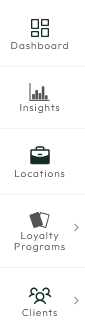
In your Yalt Dashboard, go to the "Customers" menu.
-
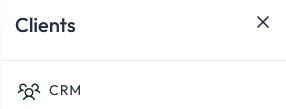
Click on the "CRM" option.
-
You will now see your customer database along with their details.

-
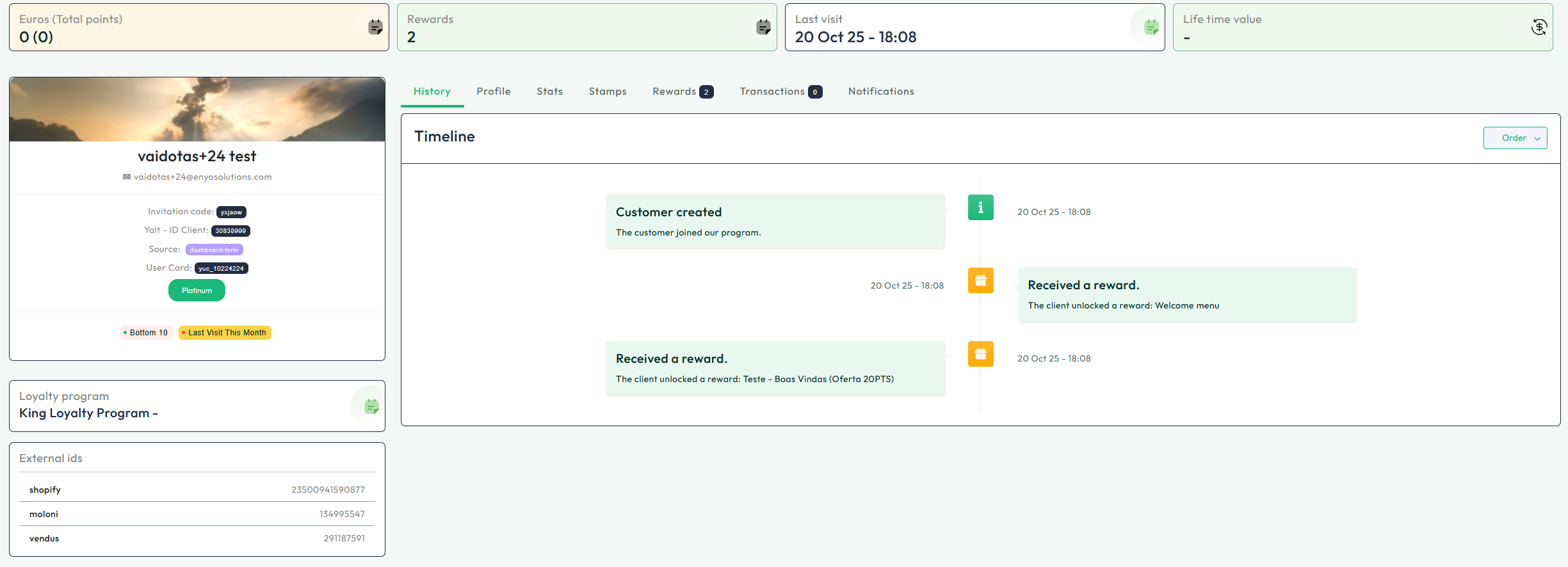
Click on the customer you want to access their profile for more detailed information, such as Purchases, Points, Rewards, or others.
-
To add "Points" to a customer, click on the option indicated below.

-
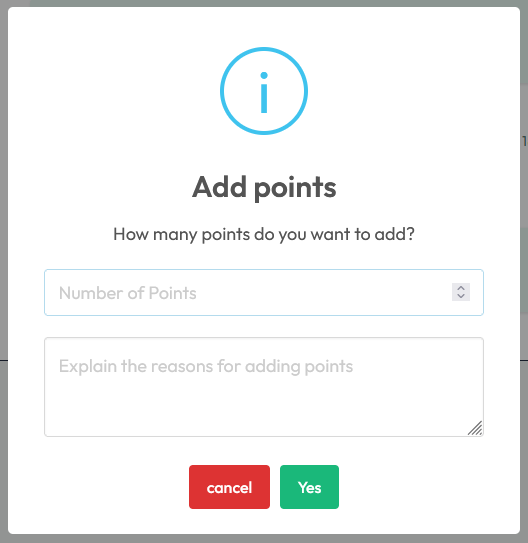
Next, you can enter the number of points to add to the customer's account and, if you wish, provide a reason for this addition.