With Yalt redeeming a reward is an incredibly simple, fast and completely digital process, guaranteeing a smooth and practical experience for your customers.
In this tutorial, we'll show you step by step how to redeem a reward on the Yalt dashboard.
-
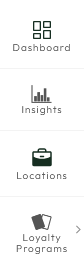
In the Yalt Dashboard, select the "Loyalty Programs" menu option.
-
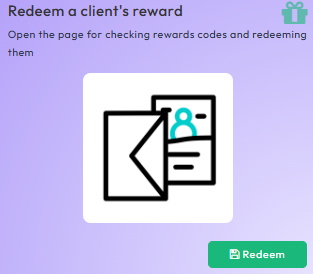
Select the "Redeem a client's reward" menu
-
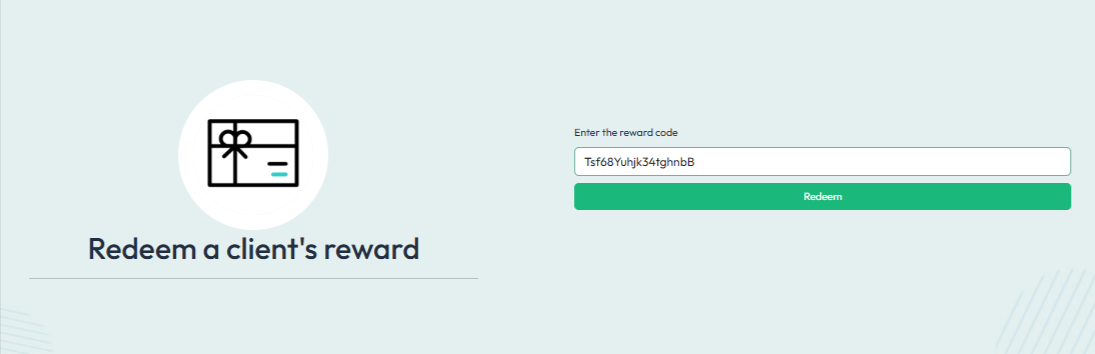
On this page you can enter and validate the code provided by the customer
-
Or scan the QR code corresponding to the reward by clicking on the camera icon.
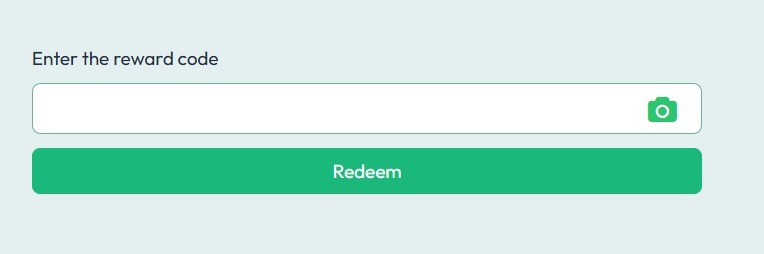
*Note: To scan the QR code you need to give the device permission to access the camera