Yalt's points program is a straightforward and effective tool for rewarding your regular customers and encouraging new visits.
With this system, your customers earn points every time they make a purchase—whether at the counter, for takeout, or through the app. Later, these points can be redeemed for rewards of your choice: discounts, special offers, or gifts.
In this tutorial, we will guide you step by step in creating your points program using the Yalt platform.
-
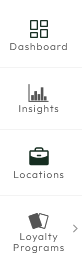
In the Yalt Dashboard, go to the "Loyalty Program" menu.
-
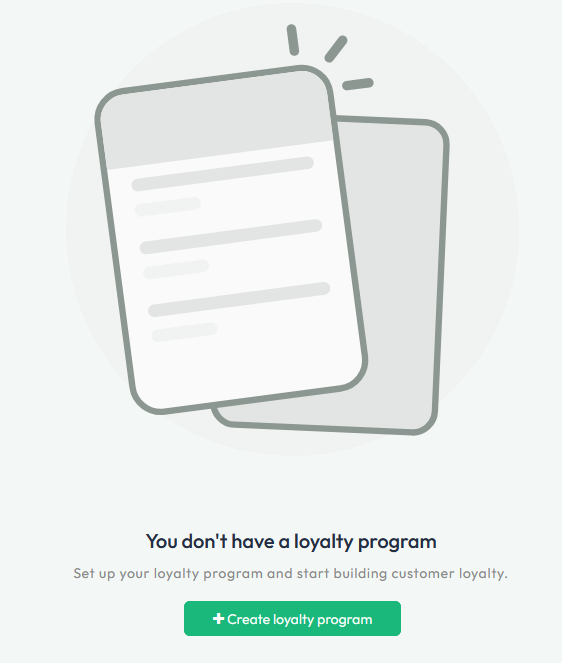
Click on the "+Create a loyalty program" option.
-
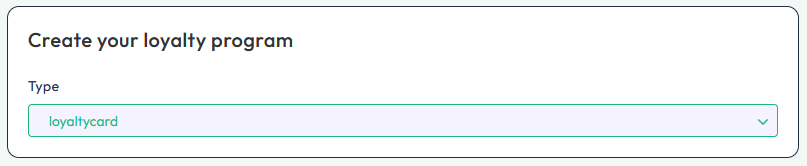
In the first menu, select the "Loyalty Card" option.
-
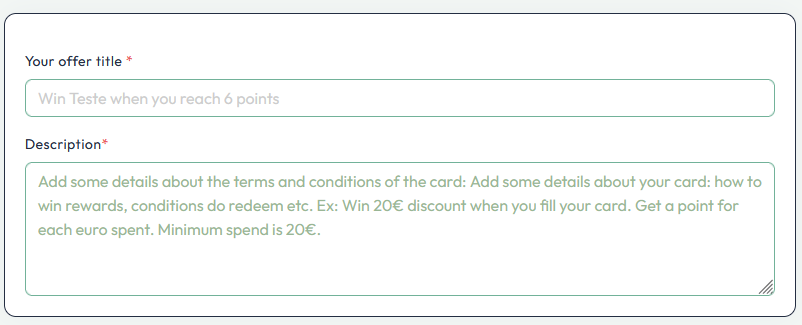
Next, set the parameters for your card, such as the Offer Title and a Description of your program.
-
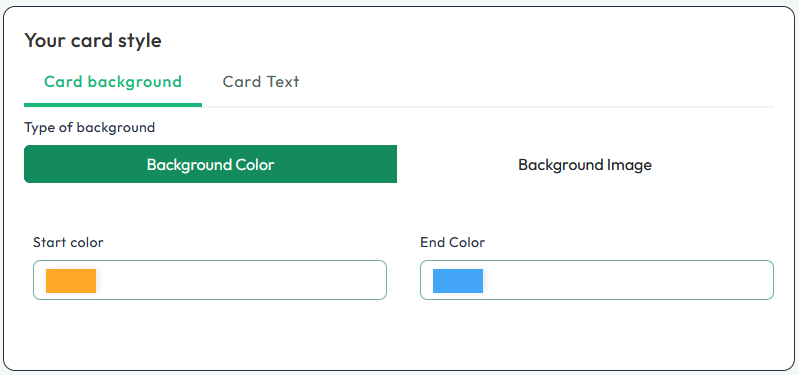
Then, you can customize the colors of your digital card, including colors, logo, or image, which will be visible in the Yalt app.
-
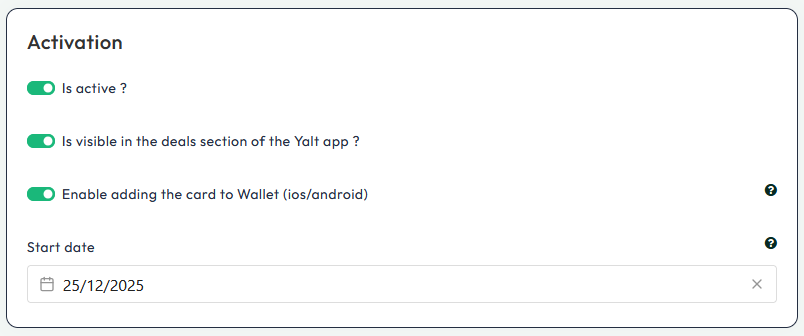
In the "Activation" menu, select all the options you want to activate for your Loyalty Program by clicking on the green checkmarks.
-
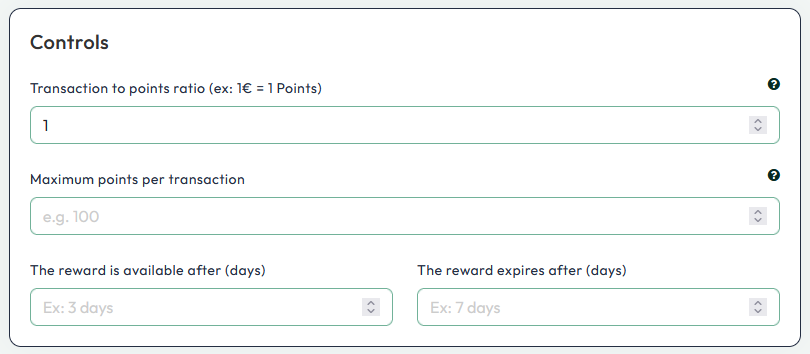
In the "Controls" menu, you can set the value for each point, determine when points will be available to customers, the maximum amount earn per transaction and establish a deadline for their use.