Offering a loyalty program with tiered points is a great way to keep your customers happy and encourage them to return more often.
With Yalt, you can create different tiers (such as Bronze, Silver, Gold), each with unique rewards based on customer behavior and purchases.
In this tutorial, we will show you how to set up tiers within the Yalt platform.
-
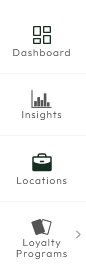
In your Yalt dashboard, go to the "Loyalty Programs" menu
-
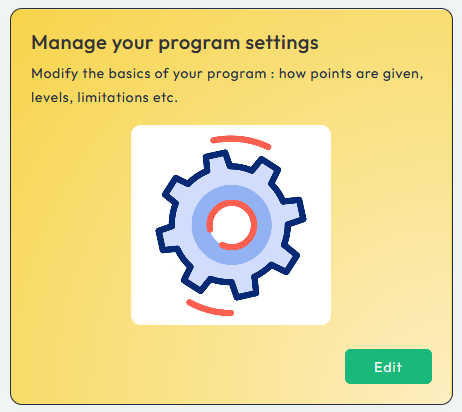
Click on edit for the option "Edit your program settings"
-
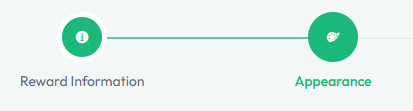
Select "Appearance" option
-
On the option Levels, click the "+" symbol to create the desired tier.

-
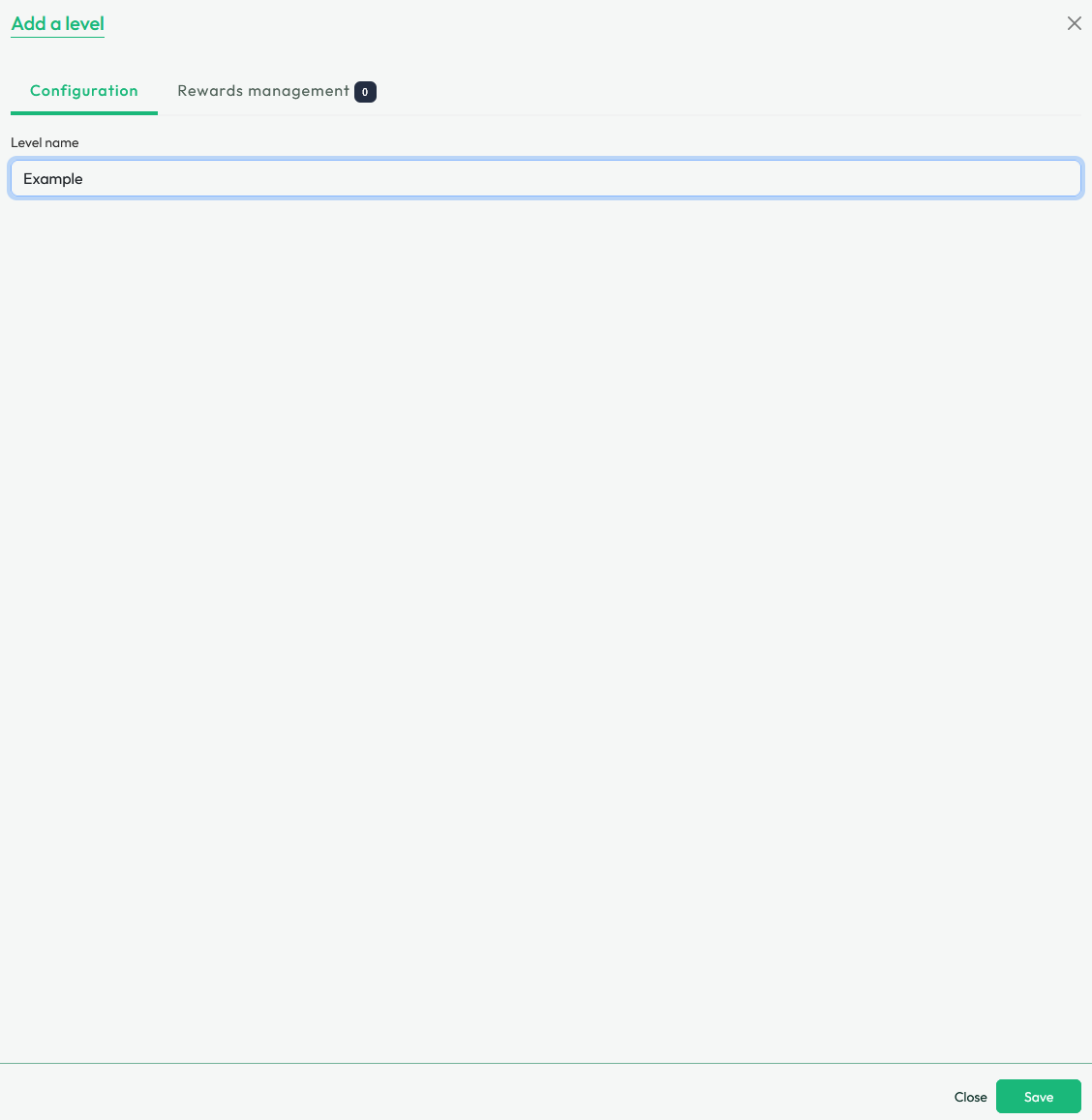
Edit the title for the tier and press "Save"
-
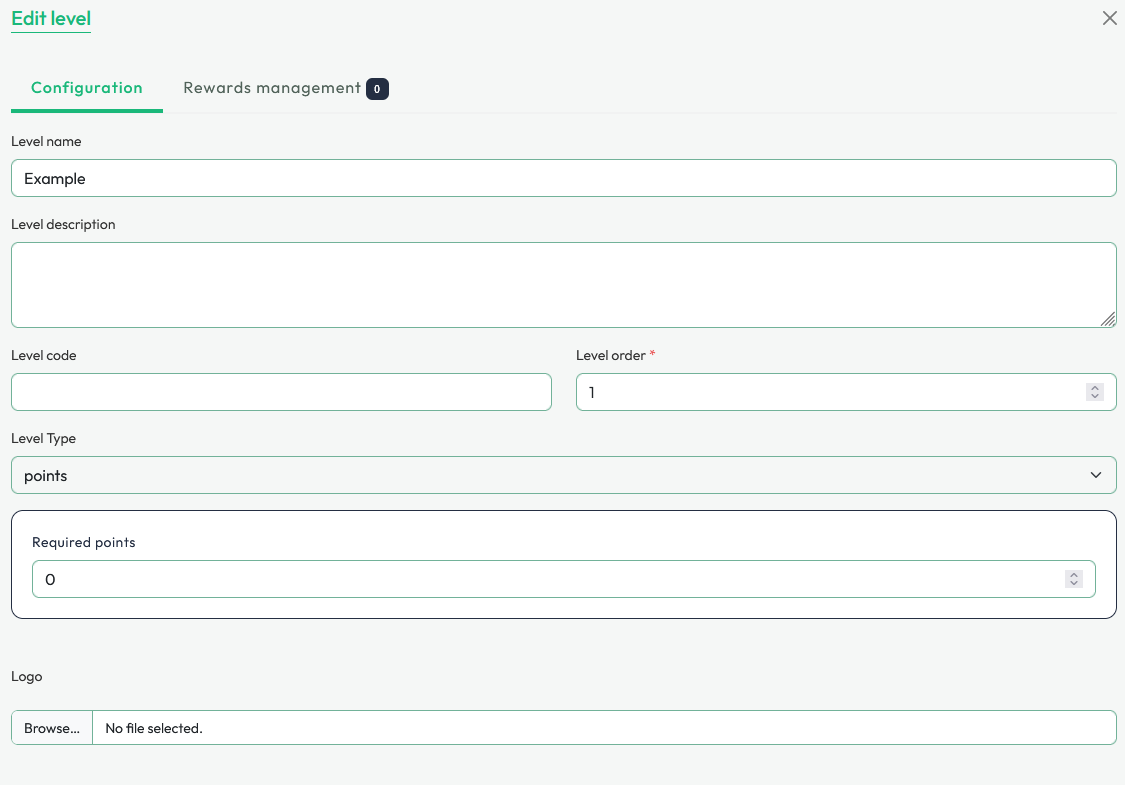
For each tier created, you can add a description and also set specific configurations as the required number of points to access it.
-
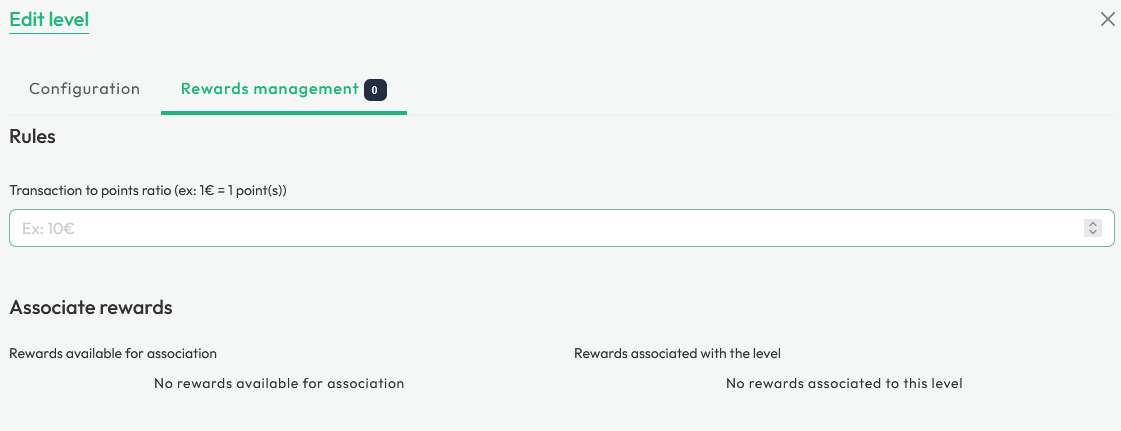
For each tier, you can create/add specific rewards and add a specific ratio for points earned in the "Rewards Management" option.
-
If available or created, the rewards available in your "Reward Store" will be visible in this menu.
-
To associate a reward with a specific tier, click the "green arrow" icon.

-
Confirm that the selected reward has moved to your right side - "Reward associated with the tier".

-
To save, click on "Save".