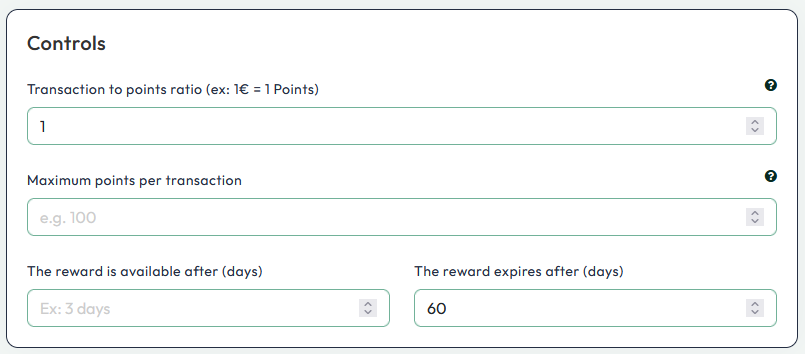
If you're setting up your loyalty program with Yalt, one of the first questions you might have is: how are the points calculated that customers earn with each purchase?
In this tutorial, we will clearly and simply explain how the euro-point ratio works, meaning how many points a customer accumulates for every euro spent.
Understanding this logic is essential for creating a balanced loyalty system that is appealing to customers and sustainable for your business.
-
In your Yalt dashboard, go to the "Loyalty Programs" menu
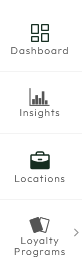
-
Click on edit for the option "Adjust your program settings"
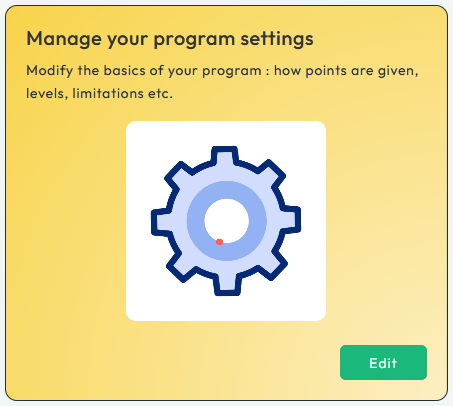
-
Select "Behavior"

-
Here, you can set the Ratio/Multiplier you want for your loyalty program. You can choose a more conventional option where 1€ equals 1 Point, or use a multiplier (e.g., 10), where for example 7.90€ = 79 Points