The Reward Store from Yalt is an engaging feature that enhances your loyalty program by allowing customers to exchange points for rewards—such as products, discounts, and special experiences, among others.
In this tutorial, we will guide you through the steps to easily and quickly set up your own reward store. You will learn how to:
-
Create and customize the available rewards
-
Define the redemption rules (number of points required for redemption)
-
Activate the store in your system so that your customers can start using it
With the Reward Store, the loyalty experience becomes more enjoyable, interactive, and effective!
-
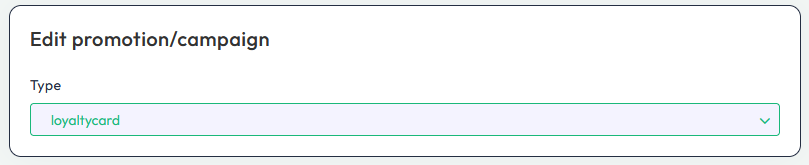
Ensure that the active Loyalty Program is - "Loyalty Card" (Points)
-
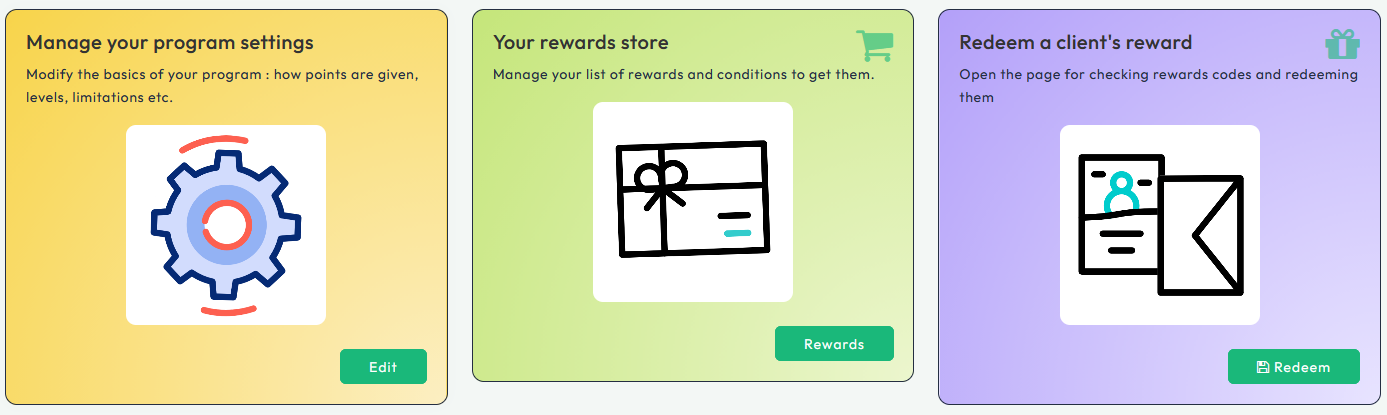
Access the Loyalty Program menu and select the option - "Your Reward Store"
-
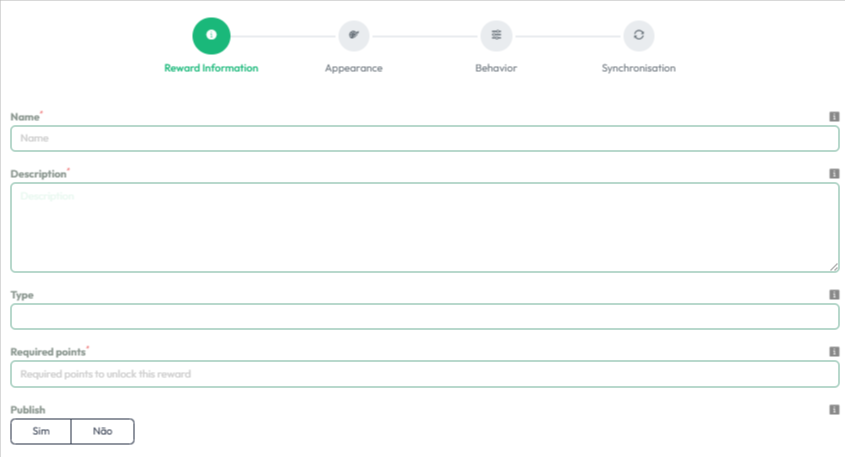
Fill in the various fields available to provide more details about your rewards, such as a Name and a Description
-
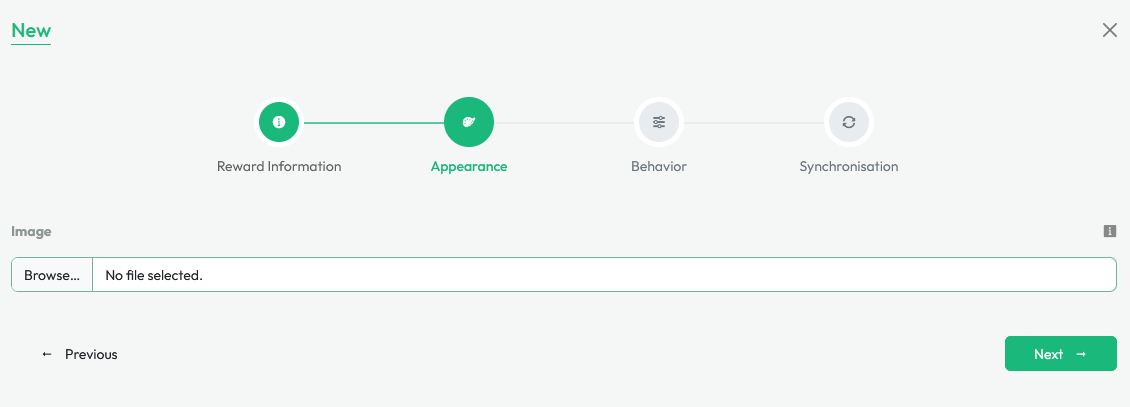
Next, you can upload Photos corresponding to the specified reward
-
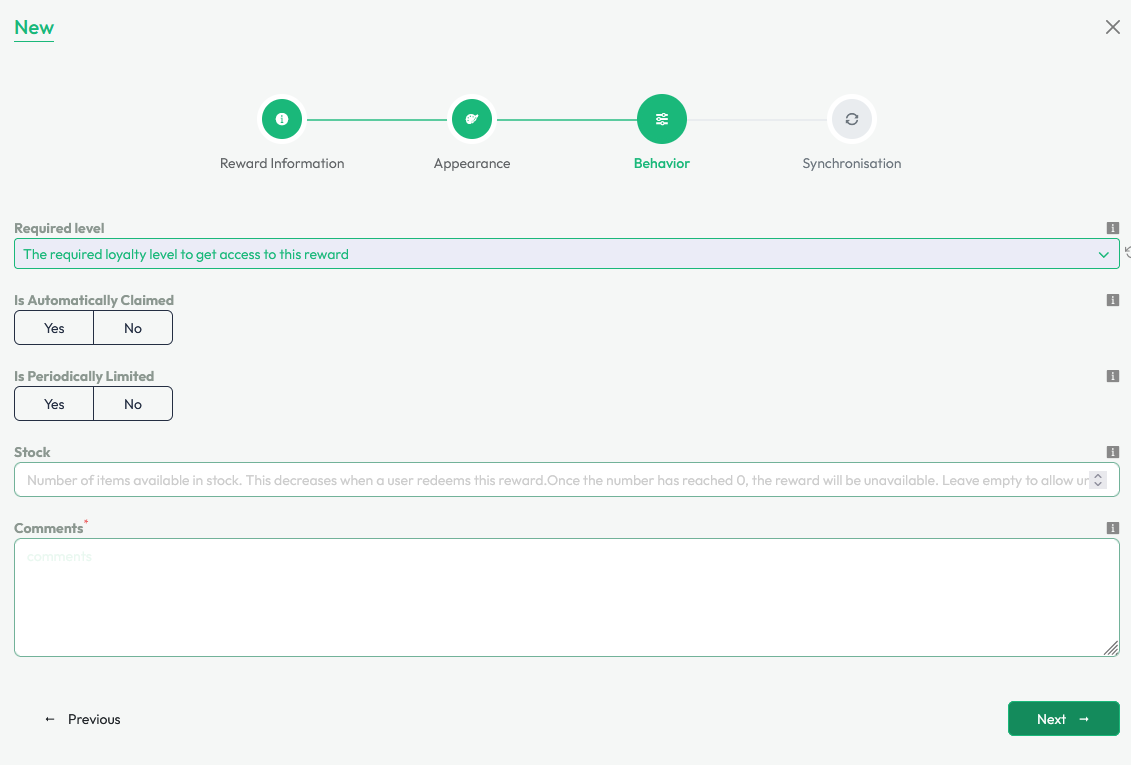
You can also set Periodic Limitations (time) for redeeming your rewards or specific Levels of loyalty for them
-
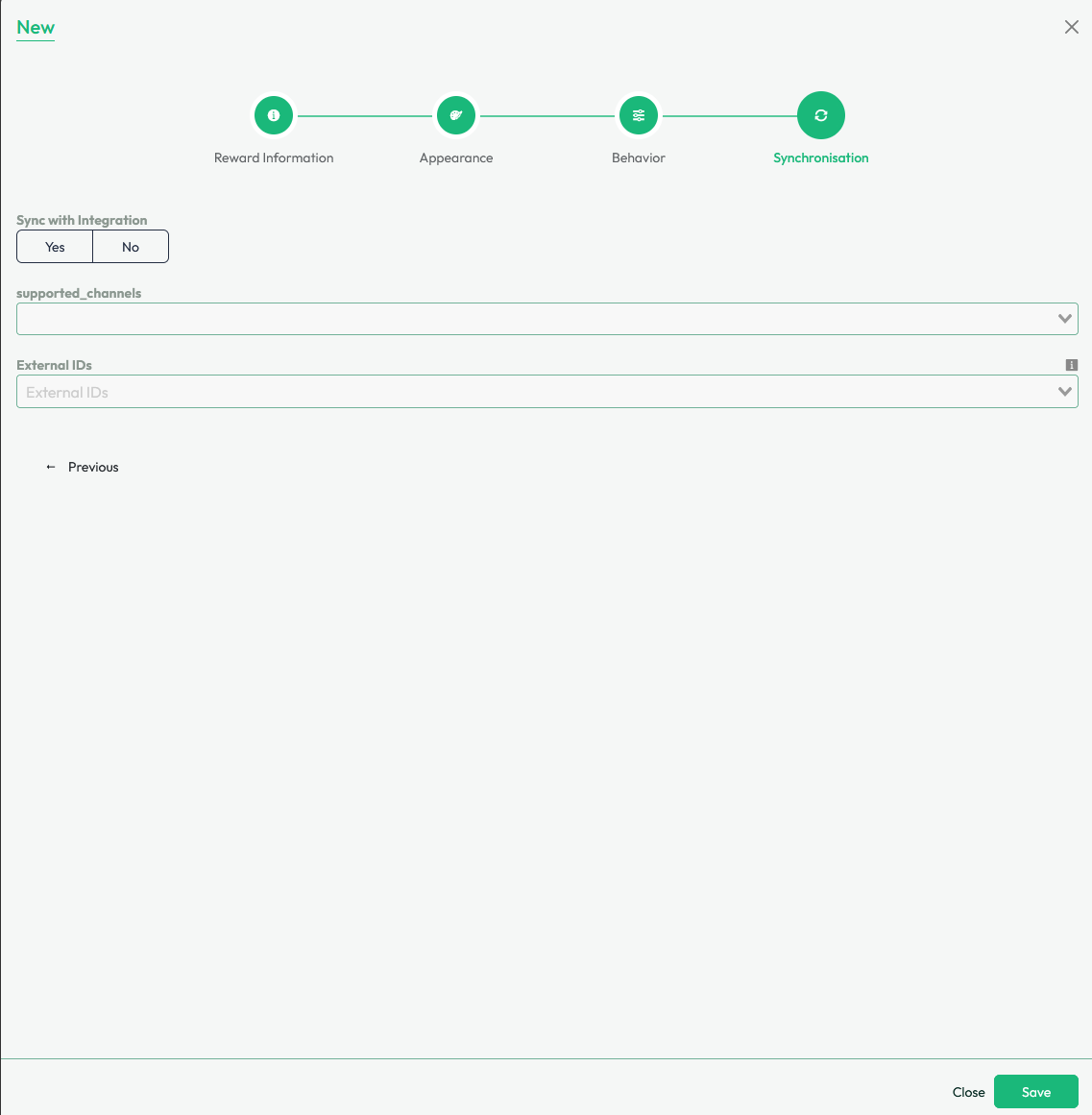
Finally, indicate whether you want your store to be synchronized with your POS integration and press "Save"