Yalt's Cashback program allows your customers to receive a percentage of their spending back as credit, which can be used for future purchases at your establishment.
How it works:
-
With each purchase, the customer earns a cashback amount (for example, 5% of the total spent).
-
This amount is automatically recorded in the customer's profile through the POS or Yalt app.
-
On their next visit, the customer can use the accumulated balance as a discount on their new purchase.
In this tutorial, we will guide you step by step in creating your cashback program using the Yalt platform.
-
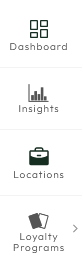
In the Yalt Dashboard, go to the "Loyalty Program" menu
-
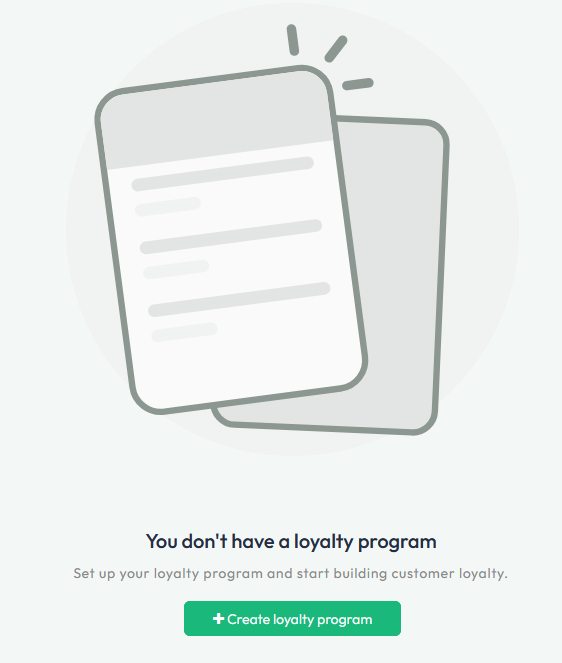
Click on the "+Create a Loyalty Program" option
-
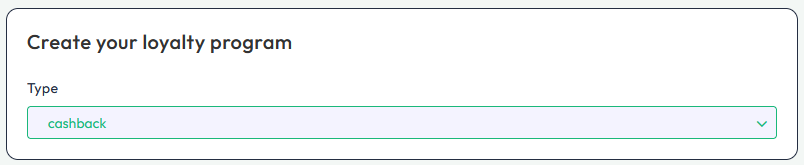
In the first menu, select the "Loyalty Card" option
-
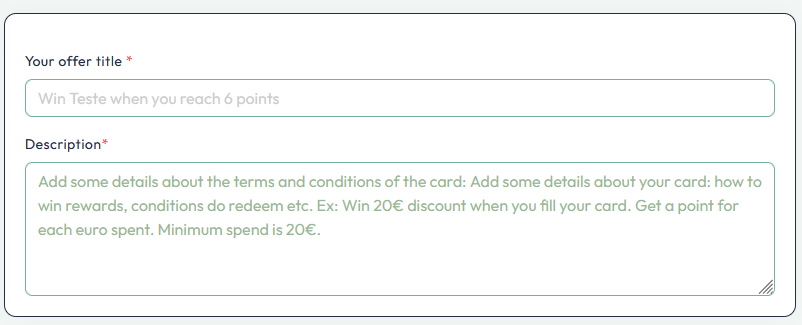
Set the parameters for your card, such as the Offer Title and a Description of your program
-
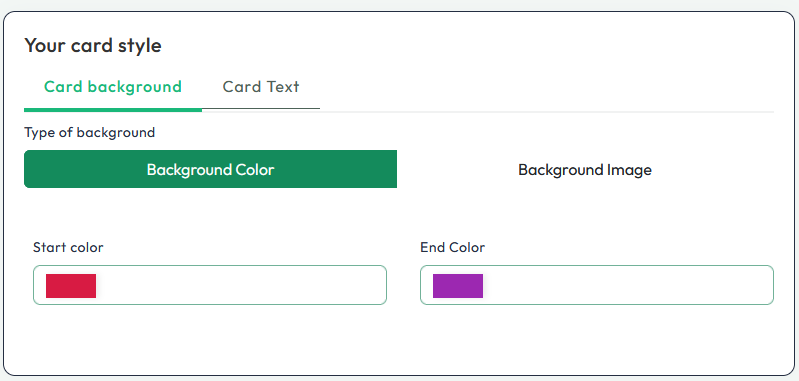
Next, you can customize the colors of your digital card, including colors, logo, or image - which will be visible in the Yalt app
-
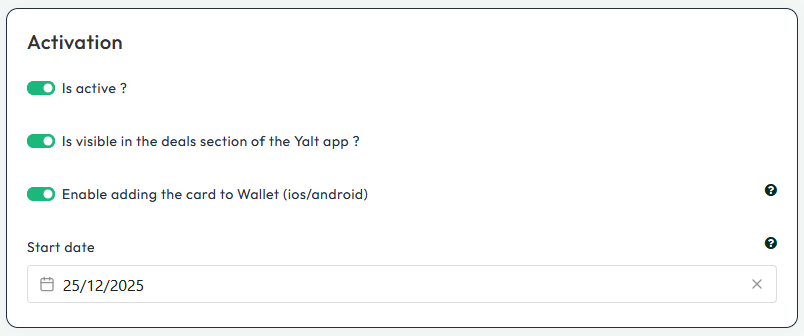
In the "Activation" menu, select all the options you want to activate for your Loyalty Program
-
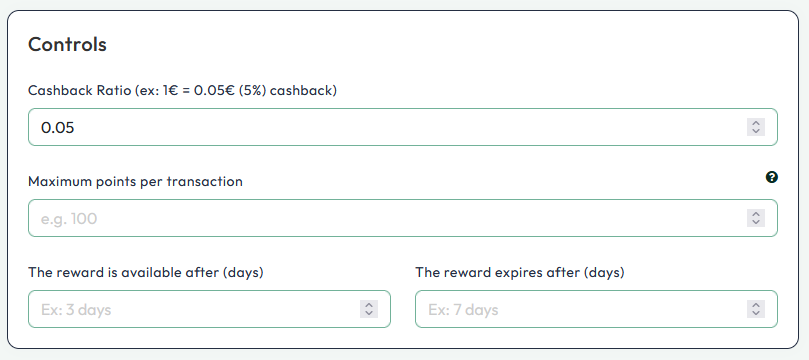
In the "Controls" menu, you can set the percentage of each purchase amount that will be available for future use, maximum of point earned per transaction, determine when the reward will be available to the customer and set an expiration date for its use