-
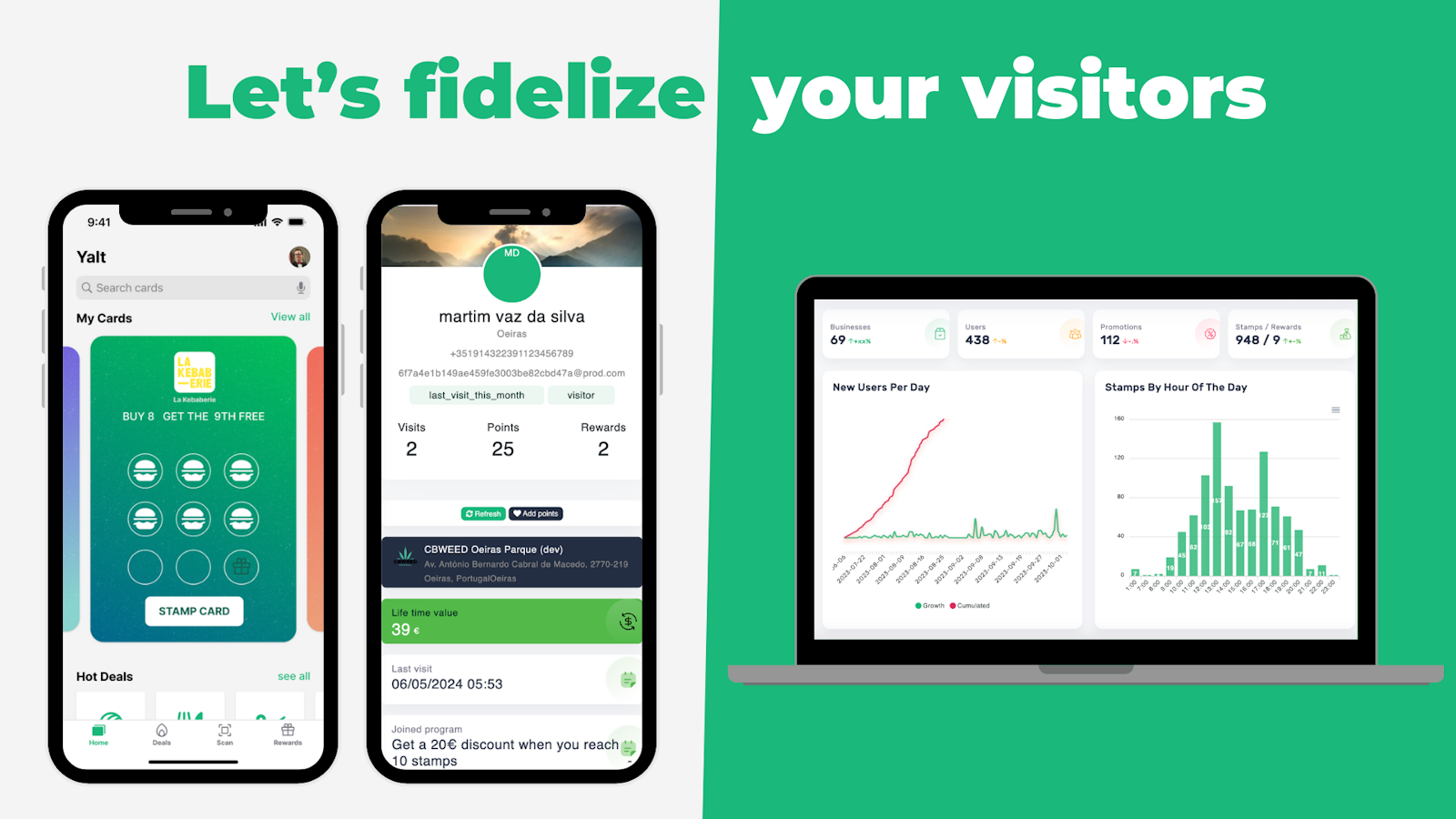
On your Yalt dashboard select the "Loyalty Programs" option;
-
Choose the loyalty program you want: Stamp Card, Loyalty Card or Cashback;
-
Define the reward for your loyalty program, its title and create a short description of it so that it is visible to your customers;
-
Configure the look of your card (you can choose its colors and select specific emojis);
-
In the "Activation" submenu, confirm that it is active and visible to your customers in the Yalt application;
-
Finally, choose the start date of your loyalty program, set the minimum amount to obtain points/stamps/cashback and click create.