-
In your Yalt account in the Settings panel, access the Integrations menu;
-
Choose the Vendus option and click configure;
-
Enter your API key and select your store/stores;
-
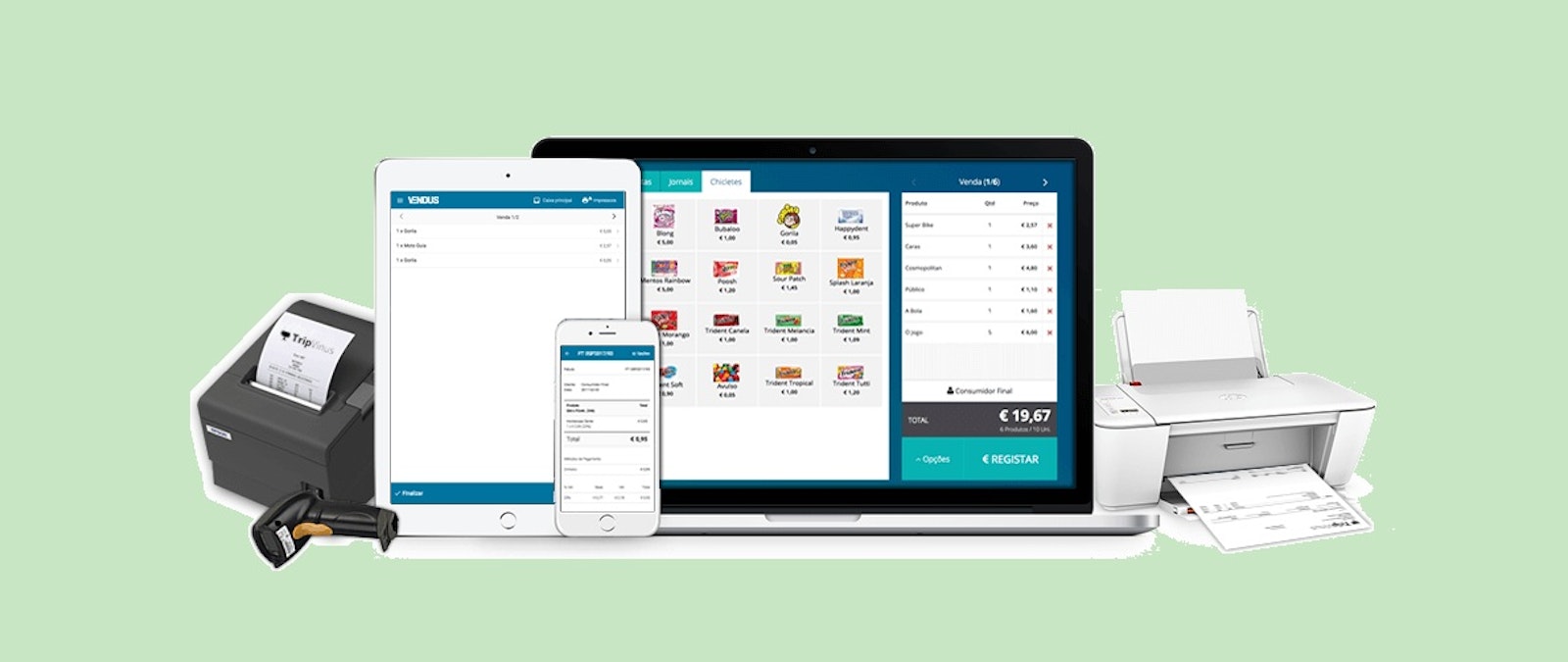
In your POS Vendus select your store and start your point of sale;
-
When registering new customers, you should preferably obtain data such as name, telephone number and email;
-
Once the transaction is completed and the invoice is issued, after a few minutes the data associated with the customer and the purchase information will be available on your Yalt dashboard for your consultation and analysis.