Yalt’s SMS campaigns are a direct and effective way to communicate with your customers, drive more foot traffic to your store, and activate your contact base in a more personalised way.
With SMS campaigns, you can, for example, promote special offers, invite online customers to visit your physical location, send birthday wishes, request a Google review, or even reconnect with customers who haven’t visited in a while.
In this tutorial, we’ll walk you through how to create SMS campaigns step by step — from writing the message, to selecting your target audience, and finally sending it out.
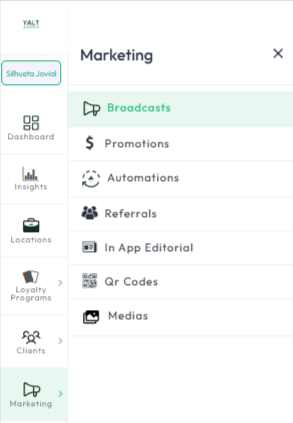
On your Yalt Dashboard, click on the "Marketing" menu
-
Select "Marketing Campaigns"
-
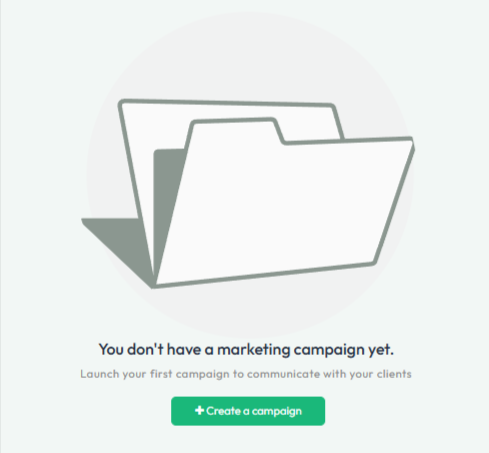
Click in "+Create a campaign"
-
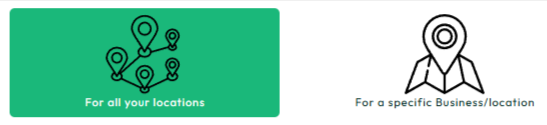
Choose the location/store from which you want to send the communication (you can choose a specific location in your chain or select all of them)
-
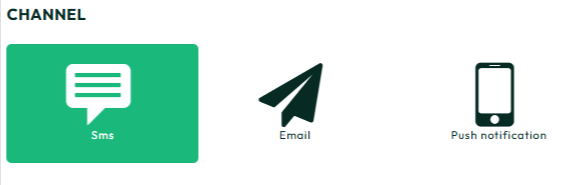
In the "Distribution Channel" option, select: SMS
-
Enter a title for your campaign and click save

-
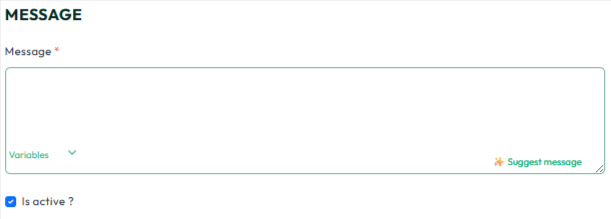
Enter the details of your campaign in the text box
-
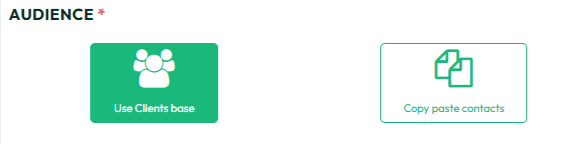
in the "Audience" option you can select "Use my clients base" from your Yalt account or enter contacts you have in another database in the "Copy paste contacts" option
-
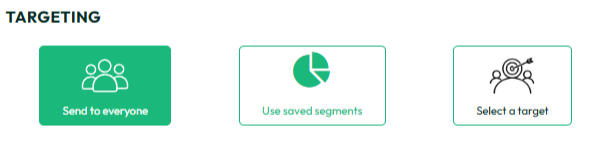
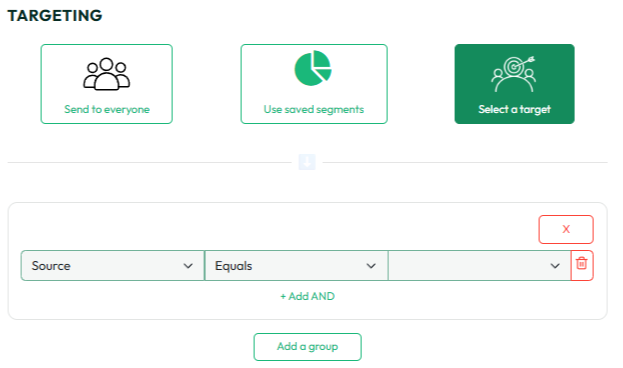
Then indicate whether you want to send it to all your contacts/customers or whether you want to choose a specific target audience using the available filters ("Select a Target" option)
-
If you want to send to the entire selected database, make sure that the option - "Audience limitation" is set to 100%

-
You can also choose a specific date for sending the campaign or send it immediately by selecting the "Schedule Campaign" option at the bottom of the page
