You can now target campaigns and automations by customer locale.
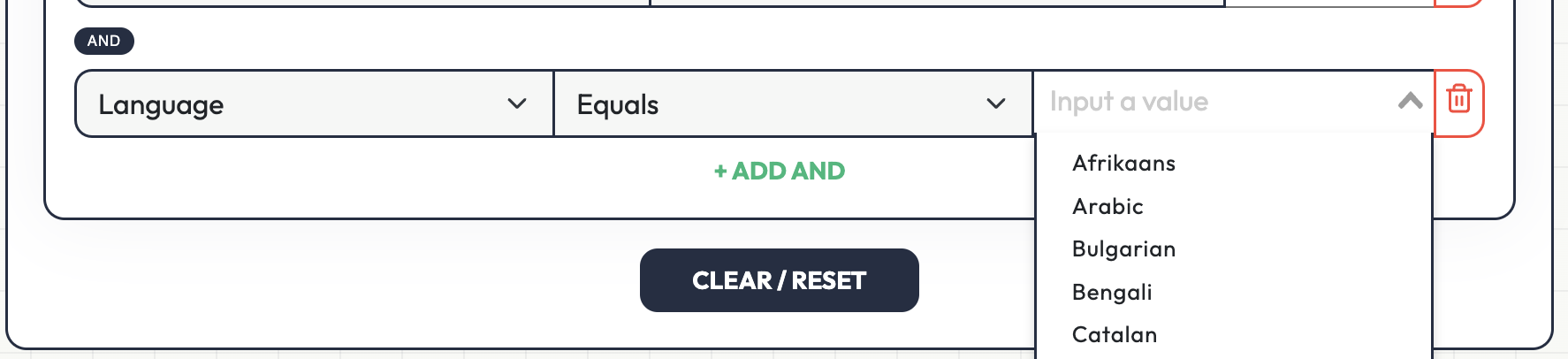
Use the audience or conditions selector and choose Locale under the profile fields. This lets you send messages only to customers who use a specific language, or exclude certain locales when needed. For example, you can send a campaign only to customers with locale pt, or target multiple locales at once such as en, es, and fr.
The locale filter supports:
-
Equals
-
Not equals
-
In
-
Not in
With In and Not in, you can select multiple languages in the same rule.
This works for:
-
Campaign audiences
-
Automation conditions
-
Customer targeting previews
-
Saved segments that use locale-based conditions
This makes it easier to send more relevant messages, reduce language mismatch, and run localized marketing across different customer groups.