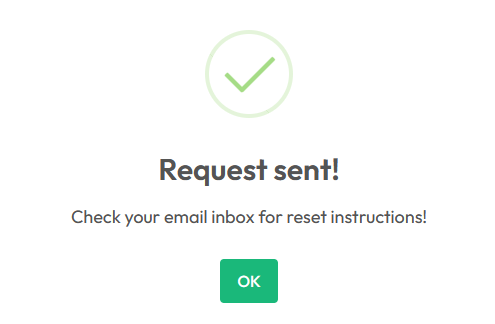
In this quick tutorial, we will guide you step by step on how to easily and effectively change your access password for the Yalt dashboard.
Keeping your password updated is a good security practice, especially if access is shared among multiple colleagues or if changing passwords is common across various platforms.
-
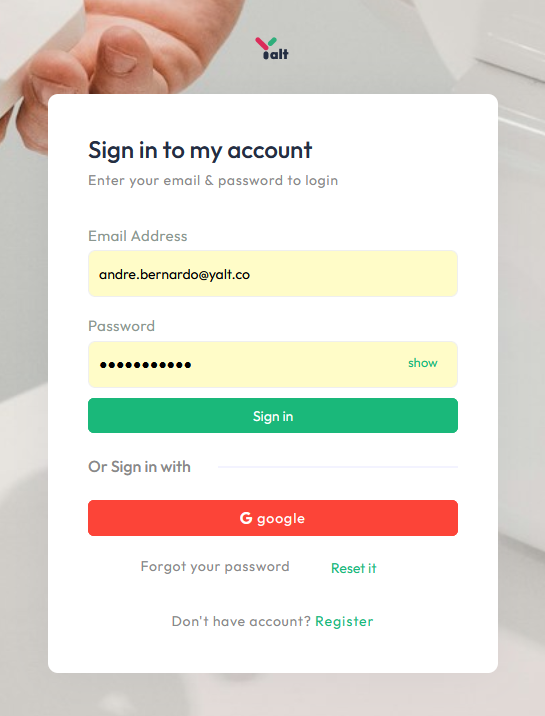
On the login menu of your dashboard, click on the "Forgot your password?" option and select - Reset
-
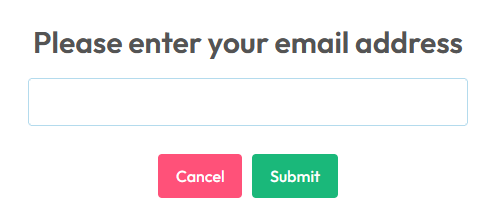
Enter the email address associated with your Yalt account and click "Send"
-
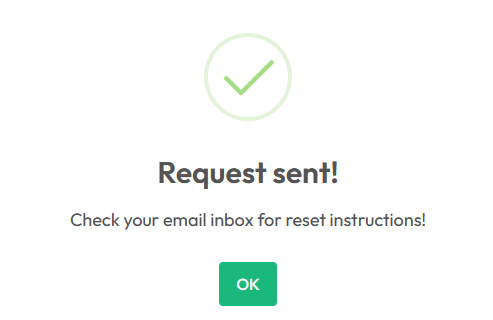
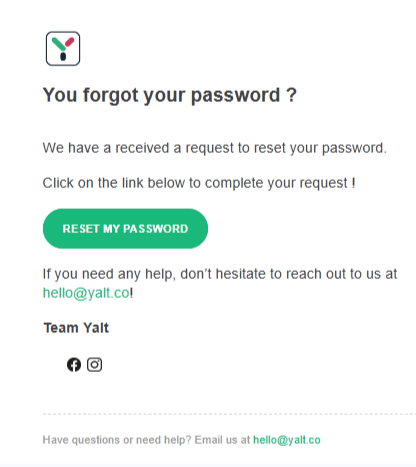
Check your inbox for the password reset email, and don’t forget to check your spam folder

-
In the email, select the "Reset my Password" option
-
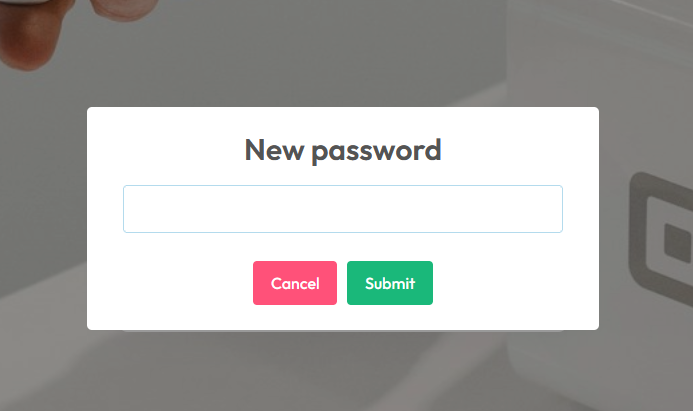
Enter your desired new password and click "Send"
-
Once the submission is complete, you will see a confirmation on the screen. You can now log in using your new password